List Subscription History
The report shows the compliance list update history over time.
Only clients with access to the will see this report.
To view the List Subscription History report
-
On , click and then click .
Alternatively, on the page or in the section on the Home page, click . -
To view a specific list, select it from the dropdown, and then click . The default is to show all subscribed lists.
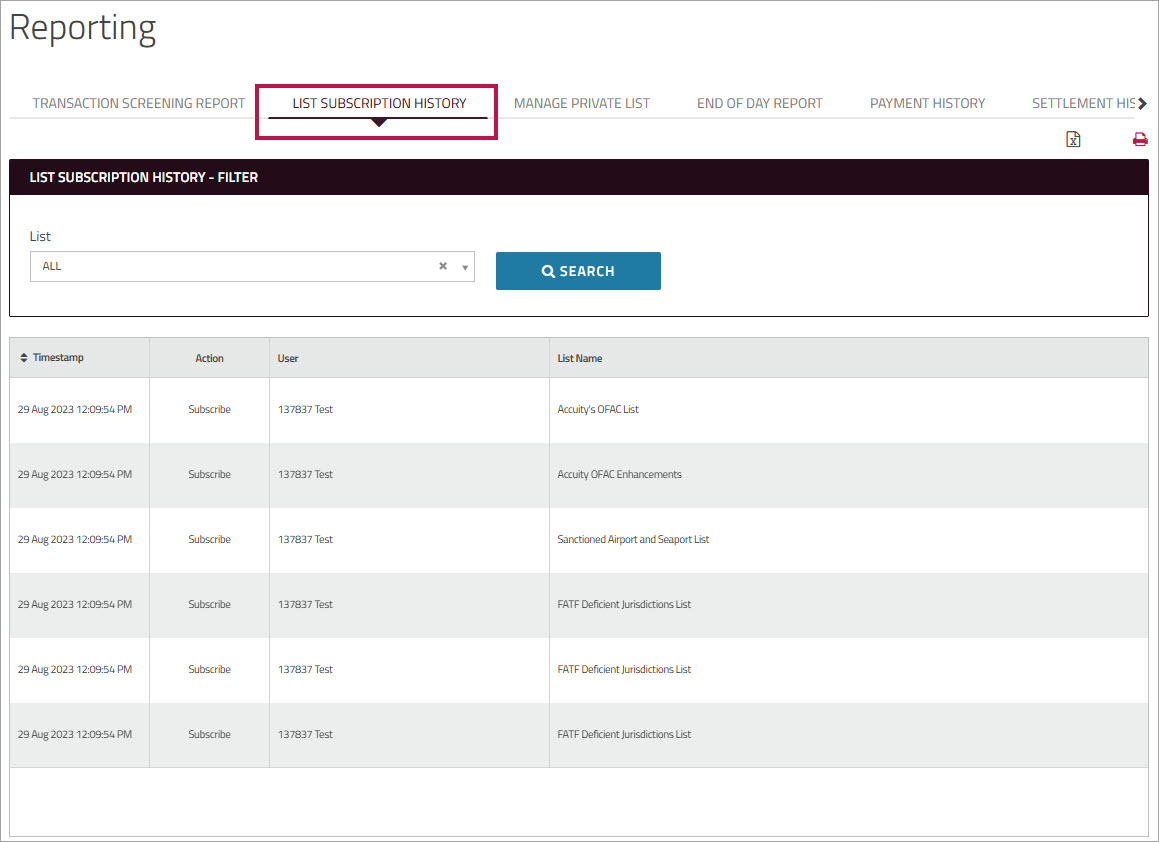
You can use the icons at the top of the page to print the entire report or export the results to an Excel file.